
Top 5 Tools Every Coach Needs to Streamline Their Business
Updated: Mar 18
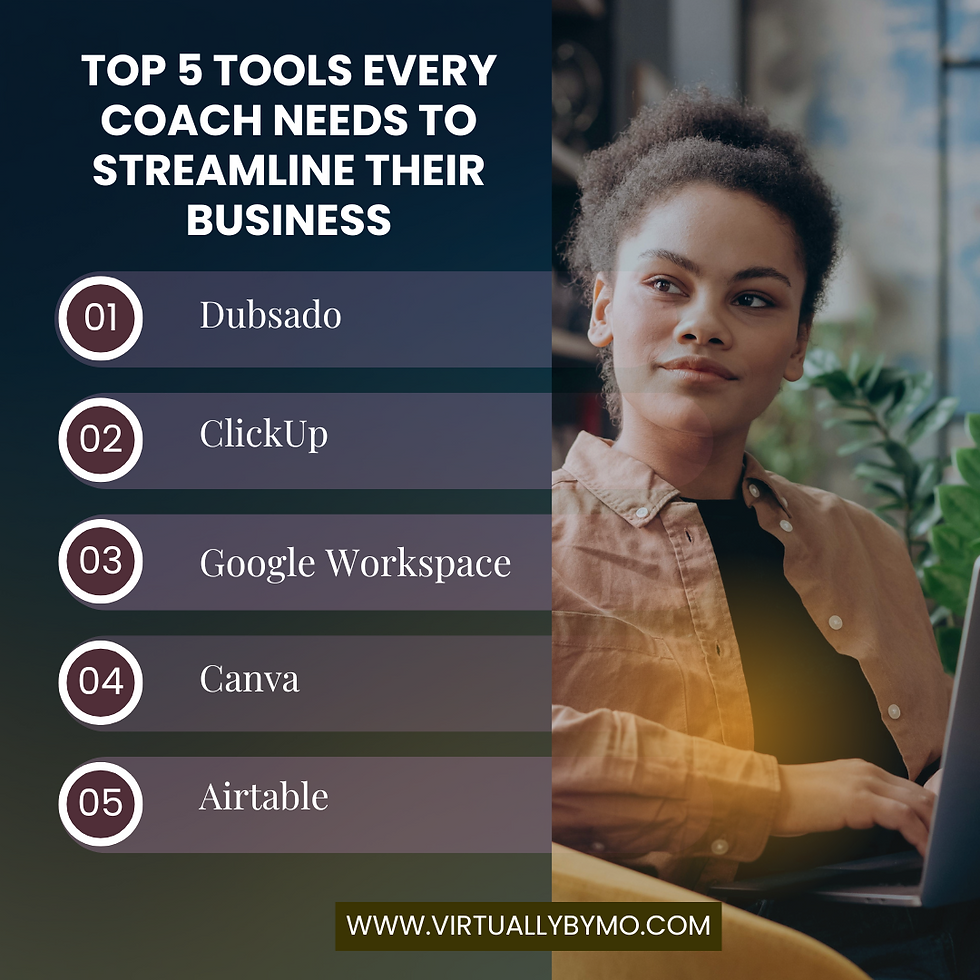
Running a coaching business is exciting but it can also get overwhelming fast. Between managing clients, marketing, and planning new offers, the backend often feels messy and time-consuming.
The good news? The right tools can save you hours each week, reduce stress, and give your clients a smoother experience.
Here are the top 5 tools I recommend every coach use to streamline their business.
1. Dubsado – Client Onboarding & CRM
Dubsado is a powerhouse for coaches who want to automate their client journey. You can:
Send contracts, proposals, and invoices automatically.
Set up workflows that handle onboarding and offboarding.
Keep all client communication and forms in one place.
No more chasing emails or manually sending reminders Dubsado does it for you.
2. ClickUp – Project & Task Management
When your to-do list is scattered across sticky notes and Google Docs, things slip through the cracks. ClickUp helps you:
Organize tasks, launches, and content calendars.
Assign and track work for VAs or team members.
Get a bird’s-eye view of everything happening in your business.
Whether you’re planning a new group program or managing daily tasks, ClickUp keeps it all structured.
3. Google Workspace – Your Digital HQ
Simple, reliable, and essential. Google Drive, Docs, Sheets, and Gmail are perfect for:
Storing client files and SOPs in shared folders.
Collaborating with team members in real time.
Keeping your business organized and accessible anywhere.
Pro tip: set up a clear folder structure early it saves so much time later.
4. Canva – Branded Content Creation
As a coach, you need graphics for social media, workbooks, and presentations. Canva makes it easy with:
Ready-to-use templates you can brand in your colors.
Quick resizing for different platforms.
A simple drag-and-drop editor (no design degree required).
It’s the tool that keeps your content looking professional, even if design isn’t your strong suit.
5. Airtable – Simple Database Management
When spreadsheets start to feel too limited, Airtable is a game-changer. You can:
Track client progress and notes.
Manage podcast guest lists, content libraries, or collaborations.
Customize views (calendar, Kanban, table) depending on your needs.
It’s like a spreadsheet on steroids perfect for coaches managing multiple moving parts.
Example: A streamlined coaching workflow
Imagine this:
A client fills out your Dubsado form → contract + invoice sent automatically.
Tasks for onboarding are tracked in ClickUp.
All resources and notes are stored neatly in Google Drive.
You design their welcome packet in Canva.
Progress and feedback are tracked in Airtable.
The result? A seamless experience for your client and more headspace for you.
Quick checklist: Do you have these tools set up?
CRM & automation (Dubsado)
Task/project management (ClickUp)
File + email system (Google Workspace)
Content design (Canva)
Business database (Airtable)
If not, pick one to start with and build from there.
The right tools don’t just save you time they create a business that feels calmer, more professional, and easier to scale.
Want help setting up these systems so they actually work for your business? Let’s do it together. Book a discovery call today.


Comments